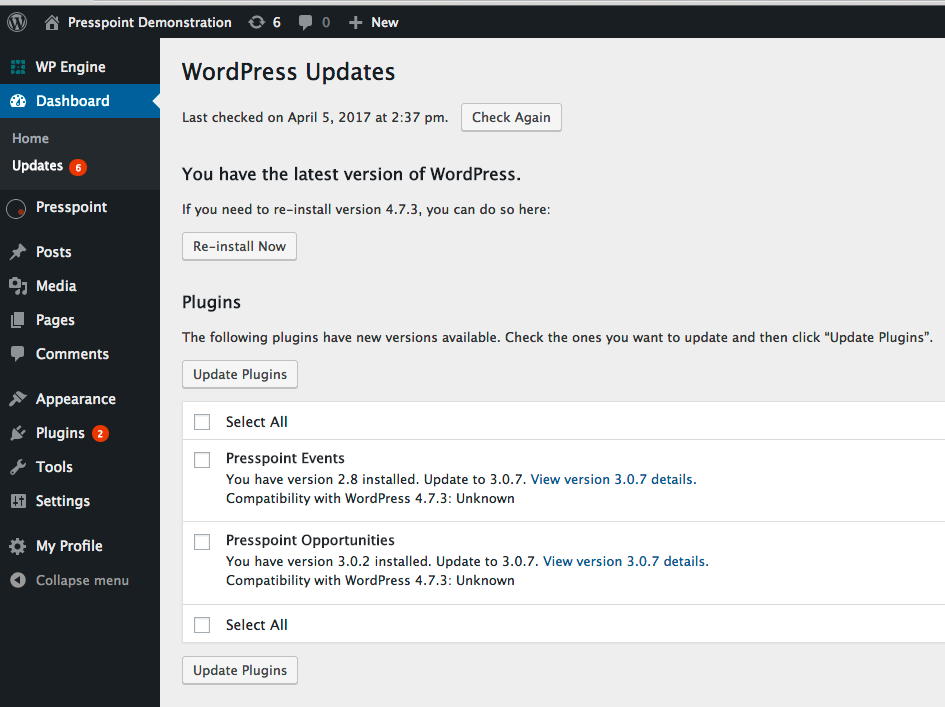
Generally, Presspoint updates will appear on your Plugins page. But sometimes you may need to force WordPress to check for updates. Here’s a quick how-to for updates.
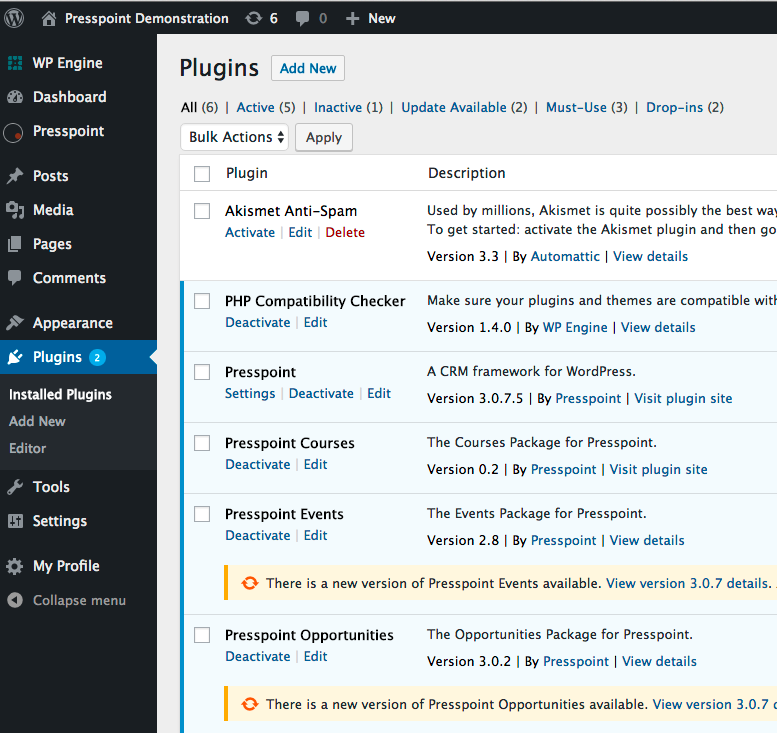
The Plugins Page
Available updates will display in a different color than the others.
The WordPress Updates Page
Clicking “Check Now” will force WordPress to check all plugins and themes for updates.