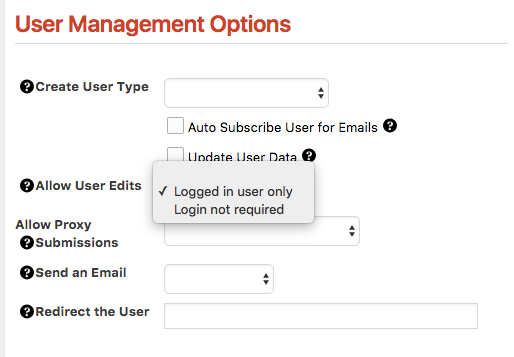
If you have a long, complicated or, otherwise involved form that would benefit from allowing the user to fill out part of the form and save the rest for later – then, draft forms will allow you to do that. Creating a draft form is simply a matter of setting a preference to allow a user to edit a form either after logging in or, if required, by simply visiting a specific url.
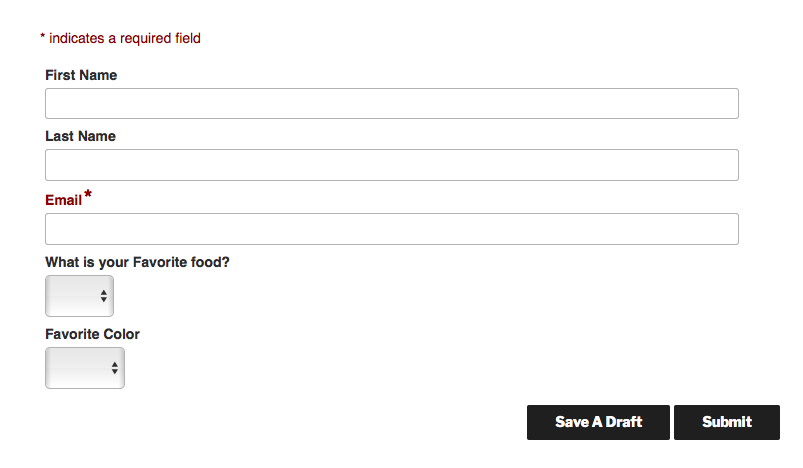
In order to set your form to accept partial submissions, simply make the appropriate selection on the form settings.