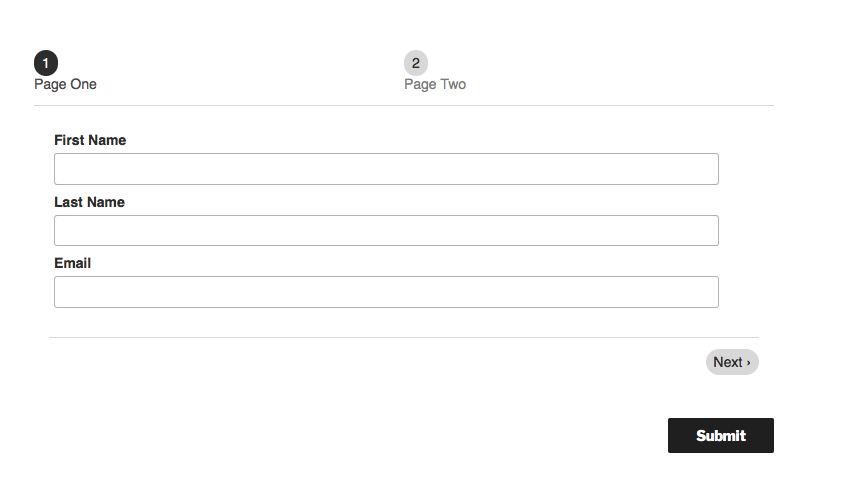
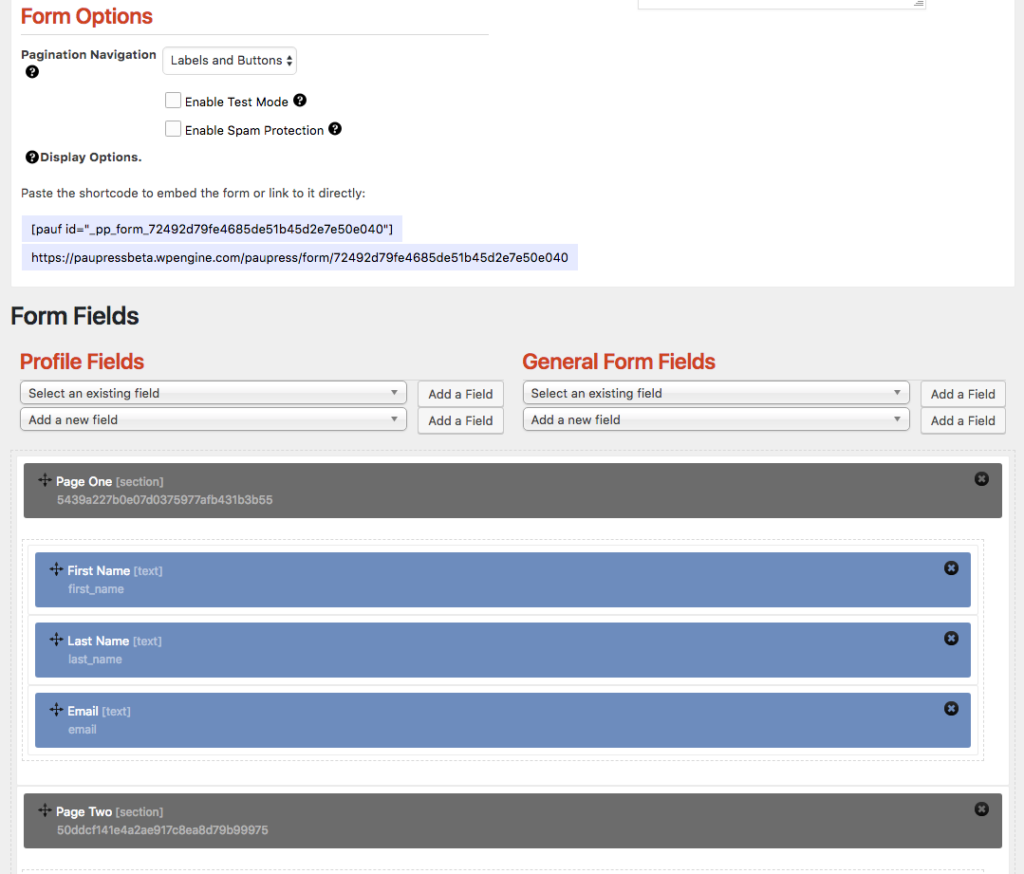
If you have a long or complicated form, you may want to break it up into multiple pages. To do so, simply bundle your fields into “Sections” which, in turn, render as separate pages. Further, you can choose to either show the different pages as Labels, buttons or both. In the example below, we have chose both as an option.
Once the form is live, it will render as multiple pages accessed by the navigation options as you have set them.